


In today’s digital age, where information is just a few clicks away, websites play a pivotal role in disseminating knowledge, offering products, and providing services. However, with the ever-increasing complexity of content and services offered online, users often find themselves in need of quick answers to common questions. This is where Frequently Asked Questions (FAQs) come to the rescue.
FAQs are a valuable tool for websites, offering a concise and organized repository of answers to the most common queries users may have. In this article, we delve into the world of FAQ plugins for WordPress, exploring the top choices that can transform your website’s user experience. We’ll also outline the advantages of implementing FAQs on your website, such as reducing customer support inquiries, enhancing user engagement, and streamlining information dissemination.
Whether you’re running a business website, a personal blog, or an online store, finding the right FAQ plugin can significantly improve your site’s usability and accessibility, making it an indispensable asset for both site owners and visitors.
In this article, we’ll explore the top FAQ plugins for WordPress that can help you easily manage and display your FAQs, providing a seamless user experience.
1. Ultimate FAQ
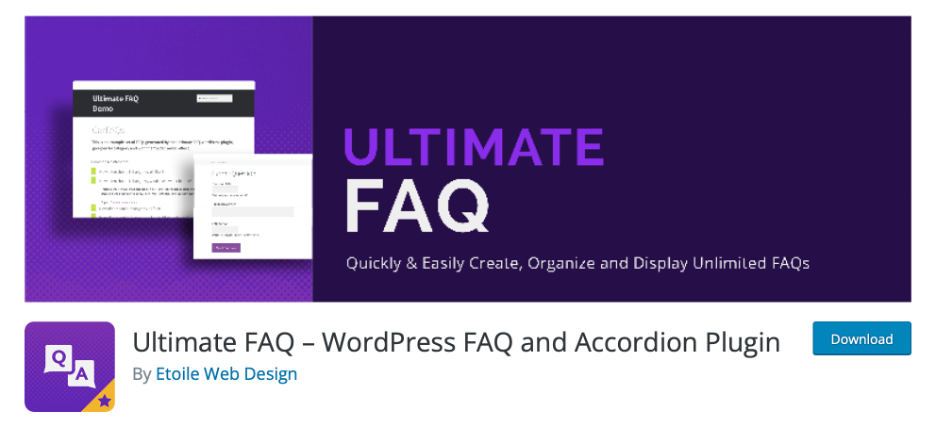
Ultimate FAQ is a user-friendly plugin that allows you to create and manage FAQs on your WordPress site effortlessly. It offers a simple interface, making it easy for beginners to add and organize frequently asked questions. The plugin provides customizable FAQ templates, enabling you to match the look and feel of your website. It also supports categories and tags, helping you categorize your FAQs for easier navigation.

Advantages:
- User-Friendly: Ultimate FAQ is highly user-friendly, making it accessible to both beginners and experienced users.
- Customization: It offers customizable FAQ templates, allowing you to match your website’s design.
- Organization: Supports FAQ categories and tags for efficient organization.
- Bulk Import/Export: It allows you to import and export FAQs in bulk, saving time when managing extensive FAQ content.
Disadvantages:
- Limited Styling in Free Version: The free version has limited styling options, potentially requiring additional CSS customization for advanced design changes.
Why You Should Try It: Ultimate FAQ is an ideal choice for those looking for an intuitive and user-friendly FAQ plugin. It simplifies the process of creating and organizing FAQs on your WordPress site, making it accessible even to beginners. With customizable templates, it allows you to maintain a cohesive look and feel with your website’s design. Its support for categories and tags ensures that your FAQs are well-organized, helping users easily find the information they need.
2. Easy Accordion
Easy Accordion is a versatile plugin that not only allows you to create FAQs but also responsive and SEO-friendly accordions. It’s an excellent choice if you want to present your FAQs in an accordion-style format, saving space on your webpage. You can insert various content types, and the plugin offers customization options for colors and styles to seamlessly integrate with your site’s design.


Advantages:
- Responsive Design: Easy Accordion specializes in creating responsive and SEO-friendly accordions for FAQs.
- Content Variety: It supports various content types within the accordion.
- Customization: You can customize colors and styles to seamlessly integrate with your site’s design.
Disadvantages:
- Limited FAQ-Specific Features: It lacks specific FAQ management features like categories and tags.
- May Require CSS Knowledge: Advanced customization may require CSS knowledge.
Why You Should Try It: If you want to present your FAQs in a space-saving and visually appealing accordion format, Easy Accordion is the way to go. This versatile plugin not only lets you create FAQs but also responsive and SEO-friendly accordions. With customization options for colors and styles, you can seamlessly integrate it with your website’s aesthetics, enhancing user engagement and keeping your content organized.
3. Quick and Easy FAQs
Quick and Easy FAQs lives up to its name by providing a straightforward way to add frequently asked questions to your WordPress site. It includes a built-in shortcode generator, making it easy to embed FAQs anywhere on your pages or posts. The plugin also integrates seamlessly with the Gutenberg block editor for modern WordPress content creation.

Advantages:
- Ease of Use: Quick and Easy FAQs is designed for simplicity, making it easy for users of all levels.
- Shortcode Integration: It integrates smoothly with the Gutenberg editor and offers shortcode integration.
- Translation-Ready: The plugin is translation-ready, accommodating global audiences.
Disadvantages:
- Basic Features: It lacks advanced features such as categorization, search, or detailed statistics.
- Limited Customization: Advanced customization options are limited.
Why You Should Try It: Quick and Easy FAQs is a time-saving choice for adding FAQs to your WordPress site. It lives up to its name, allowing you to swiftly create and embed FAQs anywhere on your website. With its built-in shortcode generator and integration with the Gutenberg editor, it streamlines the process of adding FAQs to your content, making it hassle-free for both beginners and experienced users.
4. Notice FAQ
Notice accordion FAQ plugin is an excellent choice for businesses and individuals looking to enhance their website’s functionality and reach. Its user-friendly nature, combined with powerful AI tools and multi-language support, makes it a versatile solution for creating dynamic FAQ sections. The seamless integration with your website and deep, customization level enables you to create visually appealing FAQs in no time.


Advantages:
- Deep level of customization: You can customize everything from the background color to the space between accordions.
- AI assistance: The AI tools allow you to easily generate/reformulate/correct and translate your FAQ in multiple languages.
- Responsiveness & SEO optimization: Notice blocks are optimized for SEO and fully responsive making them a great choice to boost your website’s visibility.
- Access to a range of other widgets with the same plugin such as blogs, job boards, privacy policies, documentation and more which enables you to centralize your content.
Disadvantages:
- Edition outside of wordpress: Once you have installed the wordpress widget, the edition is done on Notice editor rather than on wordpress directly, but you can still preview it on wordpress
Why You Should Try It: This plugin is an essential tool for businesses and individuals seeking to amplify their website’s impact. Its user-friendly interface, powerful AI tools, and multi-language support make it a versatile solution for crafting dynamic FAQs. With seamless integration and extensive customization options, this plugin enables effortless creation of visually appealing FAQs, enhancing user engagement and website functionality significantly.
5. Accordion & FAQ
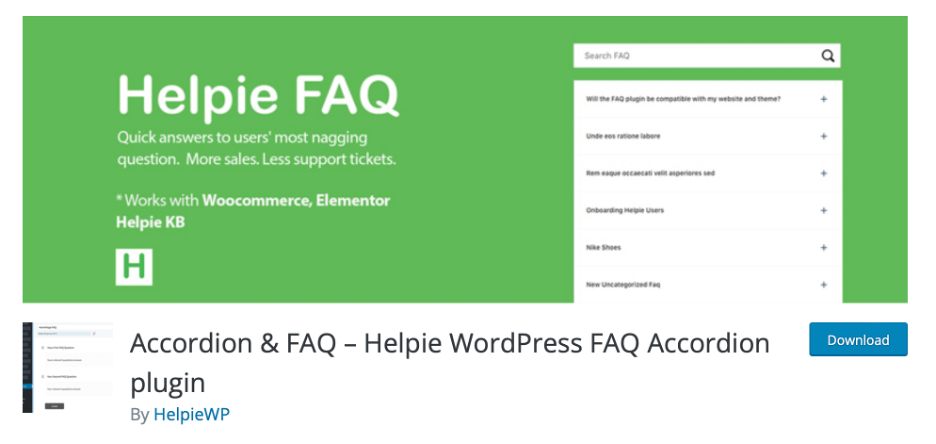
Accordion & FAQ is a versatile plugin that offers both accordion and FAQ functionality. It enables you to create responsive and collapsible FAQ sections, enhancing user experience. The plugin provides a shortcode for easy integration, allowing you to place FAQs wherever you need them on your site. While it’s user-friendly, customization options are somewhat limited in the free version.

Advantages:
- Versatility: It provides the flexibility to create both accordion-style content and traditional FAQs.
- Responsive Design: Accordions created with this plugin are responsive.
- Shortcode Integration: Offers shortcode integration for easy placement.
Disadvantages:
- Lacks Advanced Features: It lacks some advanced features like extensive customization or categorization.
- Free Version Limitations: Customization options may be limited in the free version.
Why You Should Try It: Accordion & FAQ offers a versatile solution for those who want to combine accordion-style content with traditional FAQs. This plugin allows you to create collapsible and responsive FAQ sections with ease. Its shortcode integration makes it simple to place FAQs where needed. While the free version has limitations in customization, it’s still a great choice for a quick and functional FAQ setup.
6. Knowledge Base
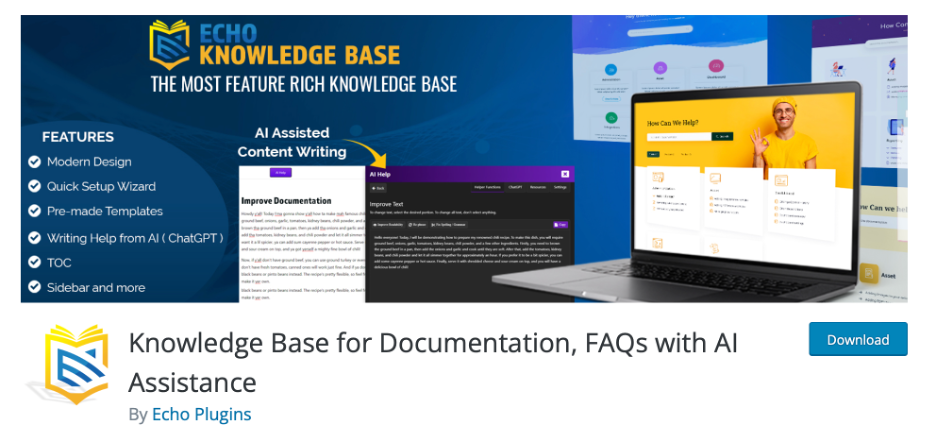
Knowledge Base is more than just a FAQ plugin; it’s a comprehensive system for creating and managing knowledge bases and articles on your WordPress site. It employs custom post types to organize your articles efficiently and includes advanced search functionality to help users find the information they need quickly.
Advantages:
- Comprehensive Knowledge Base: Provides a complete knowledge base system with custom post types.
- Advanced Search: Offers advanced search functionality, aiding users in finding information quickly.
Disadvantages:
- Not FAQ-Centric: It’s not designed specifically for FAQs and may be too robust for simple FAQ needs.
- Lacks FAQ Schema: It doesn’t include FAQ Schema structured data.
Why You Should Try It: Knowledge Base is your go-to plugin when you need more than just FAQs. It provides a comprehensive system for organizing articles and creating a well-structured knowledge base. With custom post types and advanced search functionality, you can build a rich resource for your users. This plugin is particularly suitable for websites that aim to provide in-depth information and support.
7. WP Responsive FAQ
WP Responsive FAQ is a premium plugin designed for creating responsive and mobile-friendly FAQ sections. It offers category-based organization, helping users navigate through your FAQs effortlessly. The plugin also includes search functionality for improved accessibility, making it a suitable choice for websites with extensive FAQ content.
Advantages:
- Mobile-Responsive: Designed for mobile responsiveness, ensuring FAQs display well on all devices.
- Category-Based Organization: Allows for efficient grouping of FAQs.
- Search Functionality: Includes search capabilities for user convenience.
Disadvantages:
- Paid Plugin: It’s a paid plugin with no free version available.
Why You Should Try It: WP Responsive FAQ is perfect for those who prioritize mobile responsiveness and organized content. It offers category-based organization, ensuring users can navigate through FAQs with ease. The inclusion of search functionality enhances the accessibility of your FAQs, making it an excellent choice for websites with extensive FAQ content, ensuring a smooth user experience.
8. FAQPlus
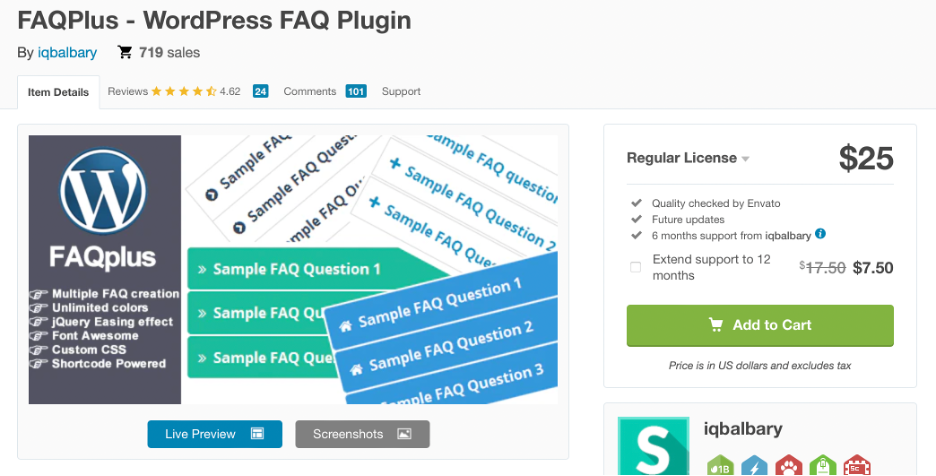
FAQPlus is a feature-rich plugin that simplifies FAQ management on your WordPress site. It provides an easy-to-use shortcode generator and supports rich content, such as images and videos within FAQs. Additionally, it offers customization options for styles and layouts, allowing you to tailor the FAQ section to your site’s design.

Advantages:
- Rich Content Support: It supports rich content, including images and videos within FAQs.
- Shortcode Generator: Offers an easy-to-use shortcode generator.
- Customization: Allows for customization of styles and layouts.
Disadvantages:
- Paid Plugin: Requires a purchase for full functionality.
Why You Should Try It: FAQPlus is a feature-rich plugin that streamlines FAQ management. With its user-friendly shortcode generator and support for rich content, it caters to diverse needs. Customization options for styles and layouts allow you to tailor the FAQ section to your website’s design. Whether you want to embed images, videos, or other media in your FAQs, FAQPlus has you covered.
9. Ultimate Blocks
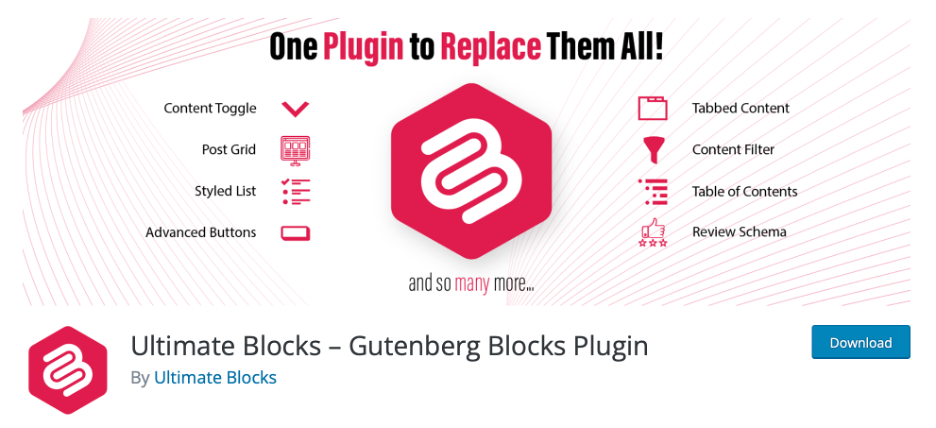
Ultimate Blocks is a collection of content blocks for the Gutenberg editor in WordPress. While it’s not a dedicated FAQ plugin, it includes a FAQ block that makes it easy to insert and manage FAQs within your content. It offers a range of other content blocks, enhancing your site’s functionality.
Advantages:
- Diverse Content Blocks: Offers a variety of content blocks for the Gutenberg editor, including a FAQ block.
- SEO-Friendly: Provides SEO-friendly design for improved search engine performance.
Disadvantages:
- Not Dedicated to FAQs: While it includes a FAQ block, Ultimate Blocks is not solely dedicated to FAQ management.
Why You Should Try It: While not exclusively a FAQ plugin, Ultimate Blocks offers a variety of content blocks for the Gutenberg editor, including a dedicated FAQ block. This plugin simplifies the process of inserting and managing FAQs within your content. It’s a versatile choice for those who want to enhance their website’s functionality beyond FAQs, offering a wide range of content blocks for various purposes.
10. FAQ Schema
FAQ Schema is a plugin that focuses on adding structured data to your FAQs for SEO benefits. By implementing FAQ structured data, you can enhance your website’s appearance in Google search results, potentially earning rich results like FAQ snippets. It’s a lightweight and straightforward solution for SEO-conscious website owners.


Advantages:
- SEO Enhancement: Focuses on adding FAQ Schema structured data to improve SEO and search engine visibility.
- Simplicity: It’s a straightforward solution for SEO-conscious website owners.
Disadvantages:
- Not a Full FAQ Plugin: It doesn’t offer the full spectrum of FAQ management features.
- No Content Creation: It doesn’t create custom FAQs; rather, it enhances existing ones with structured data.
Why You Should Try It: FAQ Schema is the plugin to consider if you’re serious about improving your website’s search engine visibility. By implementing FAQ structured data, you can enhance your website’s presence in Google search results, potentially earning rich results like FAQ snippets. It’s a lightweight and straightforward solution for SEO-conscious website owners who want to boost their organic traffic.
11. Arconix FAQ
Arconix FAQ is a lightweight and simple FAQ plugin for WordPress. It offers an easy way to create and display FAQs using shortcodes. The plugin’s responsive design ensures your FAQs look great on all devices. While it may not have extensive styling options, it excels at providing a basic and functional FAQ solution.

Advantages:
- Lightweight: Arconix FAQ is a lightweight and straightforward FAQ plugin.
- Responsive Design: Ensures FAQs look great on all devices.
Disadvantages:
- Basic Functionality: Offers basic functionality without advanced features like categorization or search.
- Limited Styling Options: Customization options are limited.
Why You Should Try It: Arconix FAQ is a straightforward and lightweight plugin for those who want a basic yet functional FAQ solution. Its responsive design ensures your FAQs look great on all devices, and its use of shortcodes simplifies the process of adding
Conclusion
Each of these plugins caters to different user needs and preferences, so consider your specific requirements when selecting the one that best fits your WordPress website. Whether you need advanced customization or a basic, no-frills FAQ solution, there’s likely a plugin on this list that suits your needs.
When choosing a FAQ plugin for your WordPress site, consider your specific needs and preferences. If you want a dedicated FAQ plugin with extensive features, plugins like “Ultimate FAQ” or “FAQPlus” are excellent choices. On the other hand, if you need a lightweight and straightforward solution, “Arconix FAQ” might be more suitable.Ultimately, the right plugin will enhance user experience, reduce support requests, and improve the overall usability of your website. So, choose wisely and create an engaging FAQ section for your audience.


